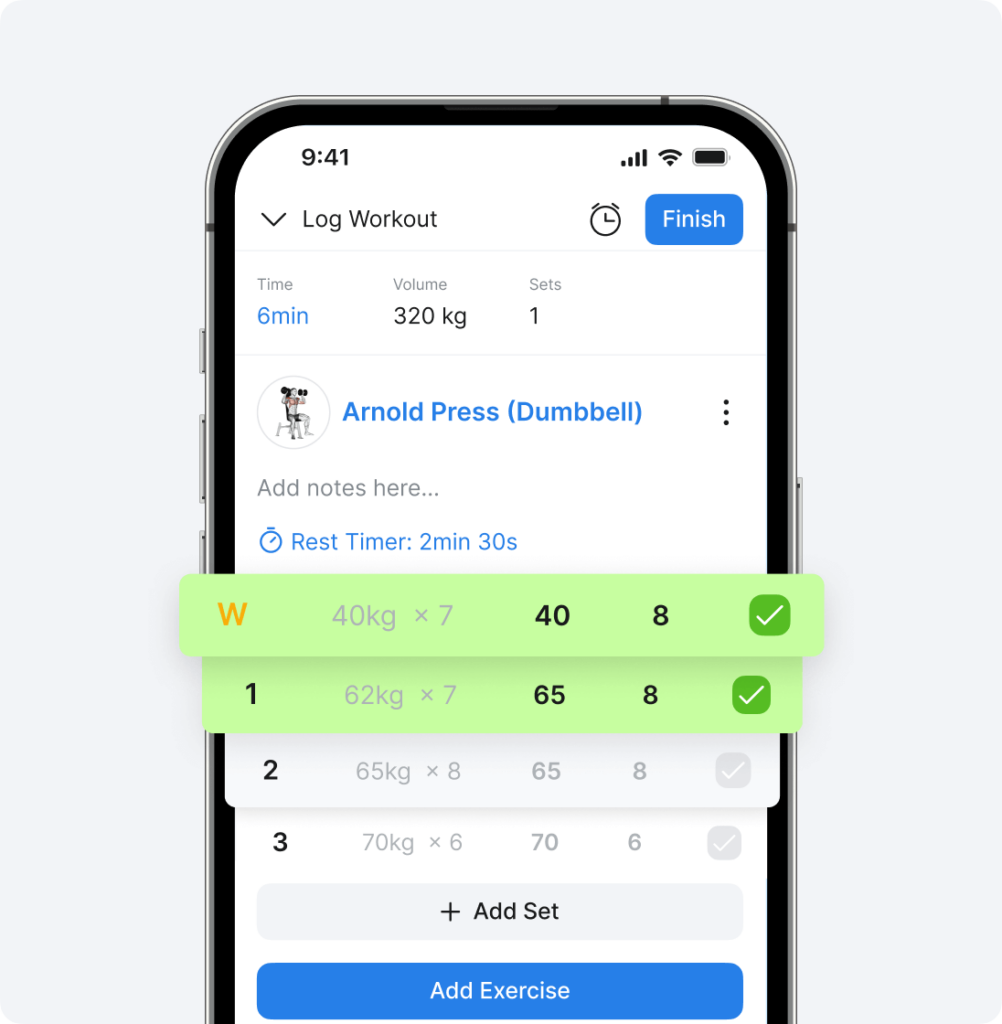

What Are the Hevy Shareables?
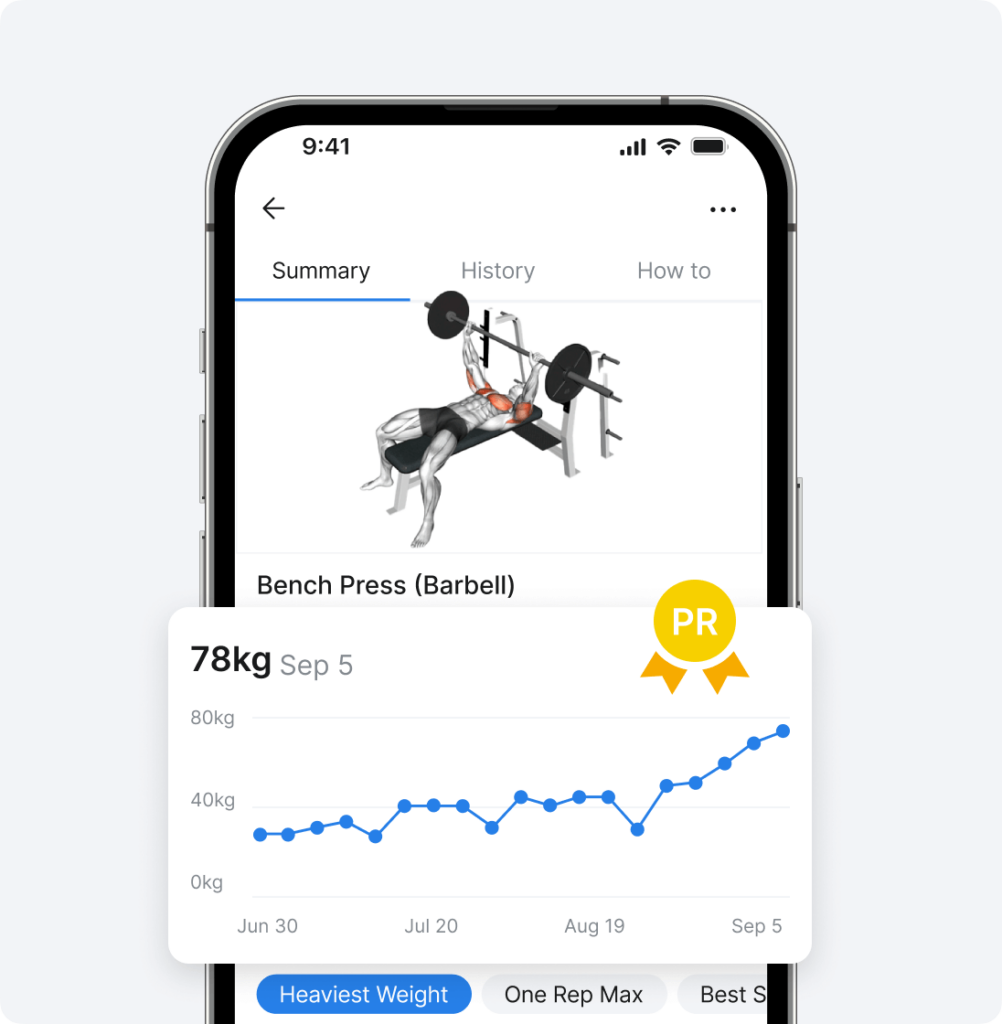
Hevy shareables are informative pieces of visual content related to your workouts: personal records, training volume, a muscle distribution chart, cool comparisons (You lifted a total of 13 264 kg. That’s like lifting a truck!), and more.

How to Share Them on Social Media
You can share any of these on social media––for example, on Instagram stories. Navigate to the screen you want to share, tap Stories, and share. Don’t forget to tag @hevyapp.

Tap More if you want to share the image elsewhere.
You can also share a workout clip or selfie along with your workout data. To do that, tap the Background icon on the bottom left to select the type of background you want for the image (light, dark, or transparent), tap More, and choose Save Image.

Then, go to social media (e.g., Instagram), add a new photo or video to a story or a post, and select an additional asset to add (Overlay).

Choose the asset with the specific background (light, dark, or transparent) you’ve saved on your phone, position it on the image or video, adjust the size, and you’re done.

Hevy also allows you to share visual assets from previous workouts you’ve done. Simply navigate to the Profile tab, tap the three dots next to a workout, and select Share Workout (or tap the upward arrow icon).

Select an asset and share it to social media or save it as an image with your preferred background to use as an overlay for a gym selfie, lifting footage, or something else.

Share Your Monthly Progress
Hevy’s monthly report is a summary of the previous month of training. You can read more about it here. To access yours, go to Profile > Statistics > Monthly Report.

You can access the report for the previous month and share anything you’re proud of. For example, you can share:
- General statistics (number of workouts for the month, total duration, training volume, and sets)
- Personal records throughout the month
- Your monthly calendar and workout consistency
- Muscle distribution chart and summary
- The exercises you did the most

Share any of these directly to Instagram stories, or select a background, save them as images to your gallery, and use them as overlays to various gym-related posts or stories.